Web Development Trends and Technologies Businesses Should Know About in 2026
Published:
For most businesses, a website is no longer just an online brochure. It takes orders, books appointments, supports customers, and often sits at the center of daily operations. That is why changes in web development matter to business owners, not only to developers.
This guide explains the key web development trends in 2026 in plain language, and what each one means when you plan or upgrade your website.
Why Web Development Trends Matter to Business
Trends affect three things you care about: how fast your site loads, how secure it is, and how easily it can grow. Choosing the right approach early can improve search visibility and customer experience, while ignoring these shifts can leave you with a site that is slow, hard to update, or expensive to fix later.
1. AI-Assisted Development
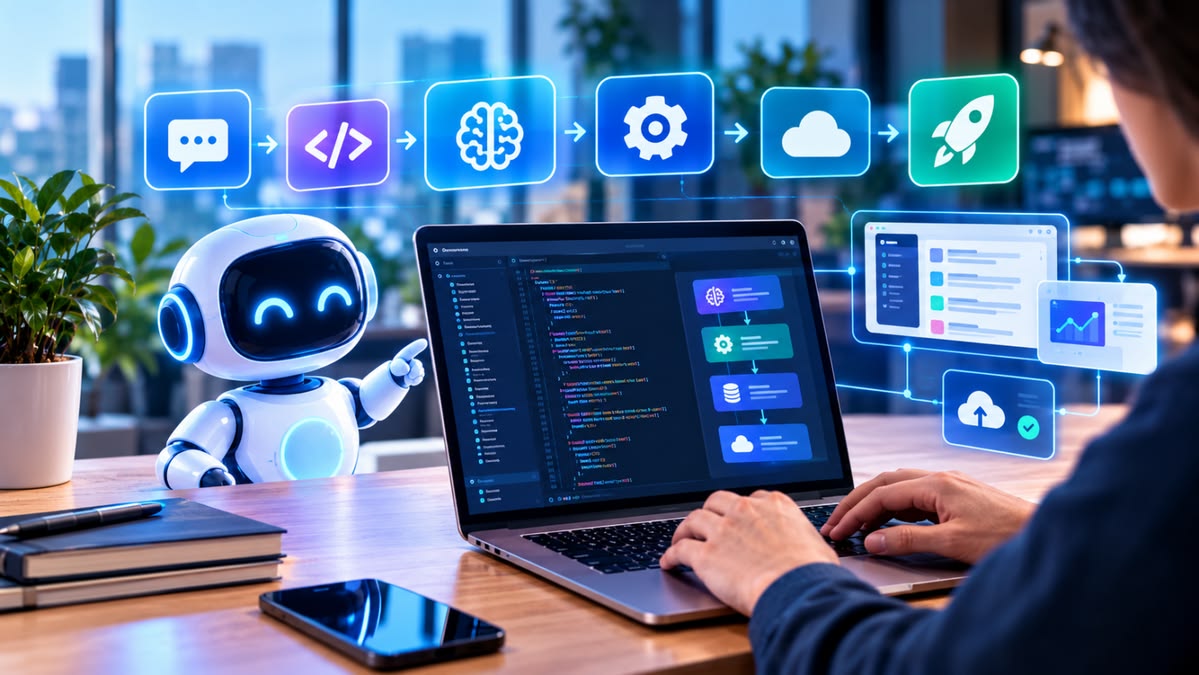
AI has become a regular part of everyday coding. Developers use AI tools to draft code, write tests, and speed up repetitive work.
What it means for you: Teams can often move faster on routine tasks. But speed is not the same as quality. Ask any development partner how they review AI-assisted code, test it, and keep it secure. AI is also appearing inside websites themselves, in features such as smarter search, chat assistance, and personalization.
2. Performance and Core Web Vitals
Speed is now part of how your site is judged by both visitors and search engines. Google measures it through Core Web Vitals. Interaction to Next Paint (INP) officially replaced First Input Delay as a Core Web Vital in March 2024. Commonly cited targets are a Largest Contentful Paint under about 2.5 seconds, INP under 200 milliseconds, and Cumulative Layout Shift under 0.1.
What it means for you: Make performance a written requirement when you brief a project, not an afterthought. Heavy images, unnecessary scripts, and slow hosting are common causes of poor scores. Check Google’s official documentation at web.dev for the latest thresholds.
3. Progressive Web Apps (PWAs)
Progressive web apps give websites app-like abilities, such as installing to a phone’s home screen, working with limited connectivity, and sending notifications, without an app store download.
What it means for you: For many businesses, a PWA can be a cost-effective way to reach mobile users from a single codebase. Some products, especially those needing deep device features, may still need a native app. A good partner will tell you which fits your case.
4. Headless and API-First Architecture
In a headless setup, the content or business logic is managed in one place and delivered through APIs to your website, mobile app, or other channels.
What it means for you: If you plan to run more than one channel, such as a website and a mobile app, this approach avoids duplicating work and makes future changes easier.
5. Modern Frameworks and Smarter Rendering
Modern frameworks make it easier to build fast, interactive sites by deciding what is prepared on the server, what is pre-built, and what runs in the browser. Edge and serverless delivery bring content closer to users and help sites handle traffic spikes.
What it means for you: The right technology depends on your project. A content-focused site, an online store, and a complex web application each have different needs. Be cautious of any company that recommends one tool for everything.
6. Stronger Security Practices
Security is now built into the development process. Trends include passkeys and multi-factor authentication for logins, automated security scanning, and “zero trust” thinking, which means verifying every request instead of assuming trust.
What it means for you: Ask how your developer handles authentication, data protection, updates, and vulnerability checks. Our guide to cybersecurity essentials for business covers the wider picture.
7. Accessibility and Better User Experience
Accessible design, with readable text, clear navigation, keyboard support, and sensible color contrast, is increasingly treated as a default rather than an extra. Options such as dark mode and responsive layouts are now common expectations.
What it means for you: An accessible, well-designed site helps more people use it and tends to improve conversions. Consider involving a UI/UX designer early in the project.
8. One Codebase, Many Devices
Teams increasingly use shared code to deliver across web and mobile, saving time and keeping the experience consistent. WebAssembly is also helping browsers run heavier applications, such as editors and data tools.
What it means for you: Ask whether a cross-platform approach can reduce your cost and timeline without hurting user experience.
Don’t Chase Every Trend
Not every trend suits every business. A simple company website does not need a complex architecture. Choose technology based on your goals, budget, team, and growth plans.
A Checklist for Briefing a Web Project
- State your goals and the main actions visitors should take
- Set performance targets, such as passing Core Web Vitals on mobile
- Require responsive and accessible design
- Plan for SEO basics: clean structure, metadata, fast loading
- Define security expectations and who handles updates
- Decide who will manage content after launch
- Agree on hosting, maintenance, and support
Questions to Ask a Web Development Company
- Which technologies would you recommend for my project, and why?
- How do you measure and improve performance?
- How do you test and secure your work, including AI-assisted code?
- Can my team update content without a developer?
- What support and maintenance do you offer after launch?
If you are comparing providers, read our guides on choosing a software house in Pakistan and software houses in Karachi.
Frequently Asked Questions
What are the biggest web development trends in 2026?
Common themes include AI-assisted development, performance and Core Web Vitals, progressive web apps, API-first architecture, stronger security, and accessibility.
Do I need a progressive web app?
It depends. PWAs suit many business use cases and reduce cost, but products that need deep device features may still need native apps.
Do Core Web Vitals affect SEO?
Google uses them as part of its page experience signals, and they also affect how visitors experience your site. Good scores support both visibility and conversions, though they are one factor among many.
How often should a business website be updated or rebuilt?
Review it at least once a year for performance, security, and content. A rebuild makes sense when the design, speed, or technology no longer supports your goals.
How GFT Solutions Can Help
GFT Solutions is a remote-first software house. We design and build fast, secure web applications with React and Next.js, build iOS and Android mobile apps with React Native, and shape both with UI/UX design, from wireframes and Figma prototypes to a reusable design system.
Conclusion
Web development in 2026 is about speed, security, flexibility, and good experience, with AI changing how teams work. The best approach is to understand the trends, then choose what genuinely fits your business goals. A clear brief and the right partner make that much easier.
Planning a new website or upgrading your current one? Talk to the GFT Solutions team about your project.
Contact GFT Solutions