
Web Application
Smart Khata Register
A simple digital khata register for money given and received
Partner projectMade by one of our partner studios. It is not GFT Solutions' own work and it is not client work.
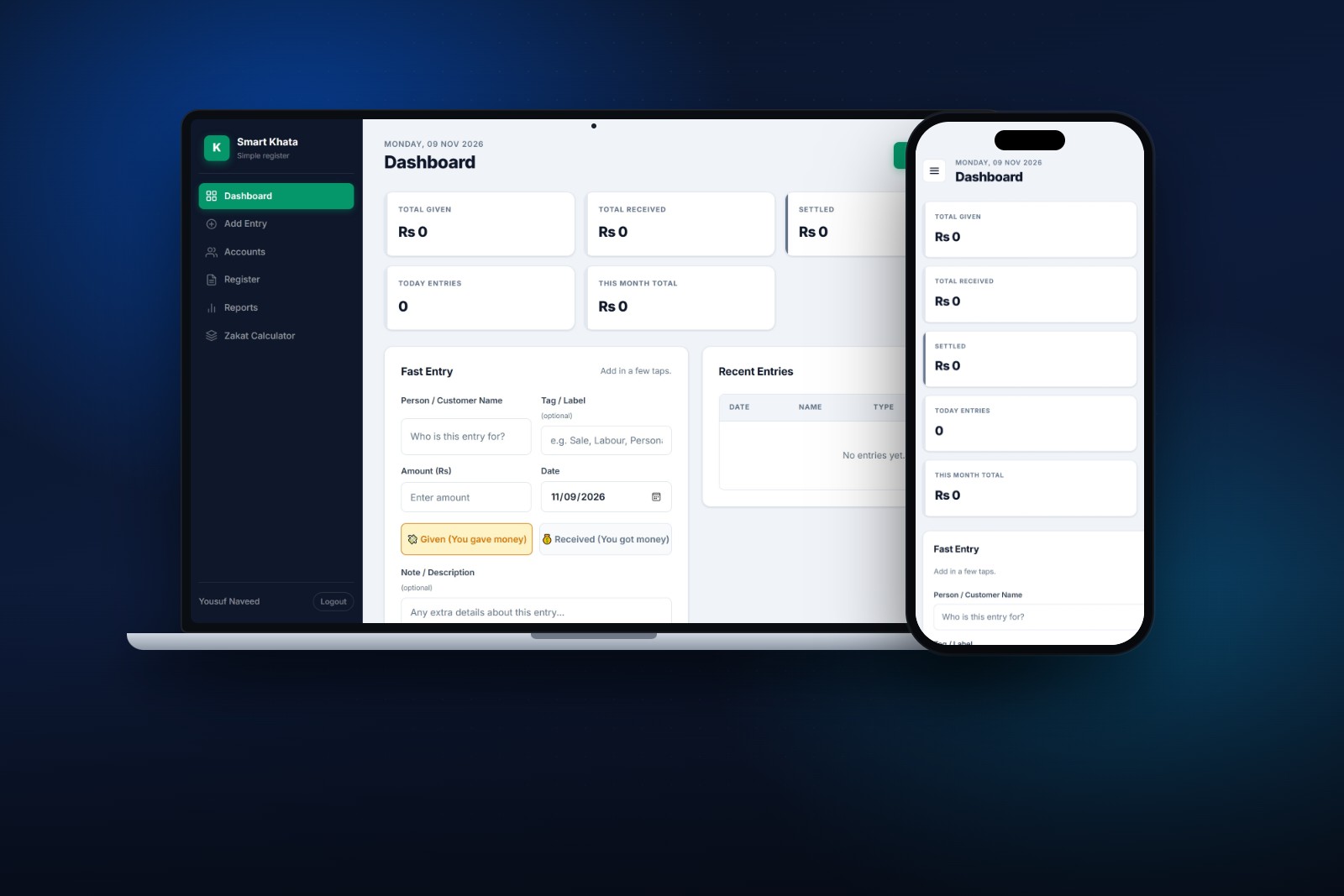
About this project
A web app that replaces the paper khata. You note who you gave money to or received money from, every name becomes an account with its own balance, and reports can be printed or exported to PDF. It also has a zakat calculator.
- Category
- Web Application
- Technology
- PHP
What it does
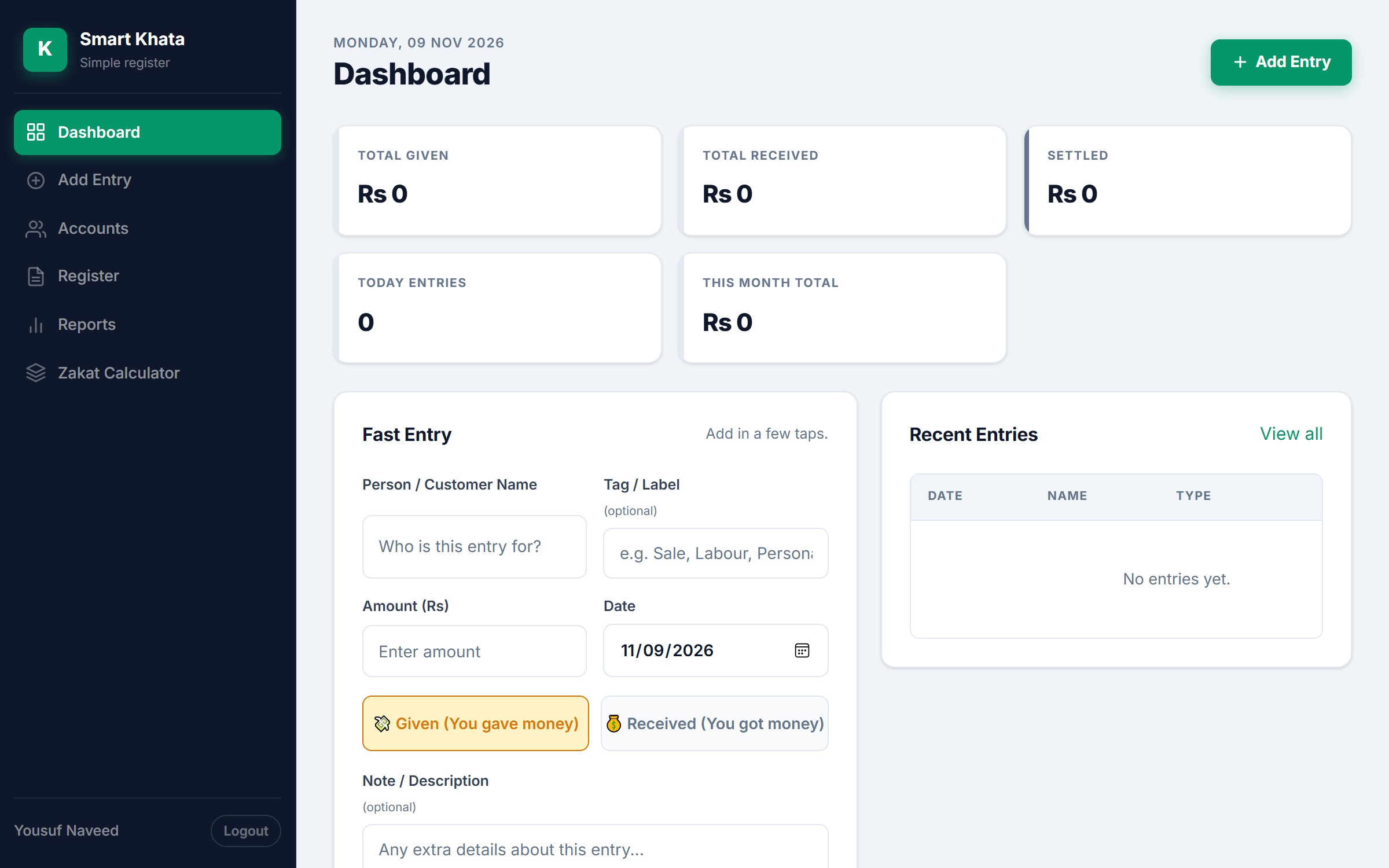
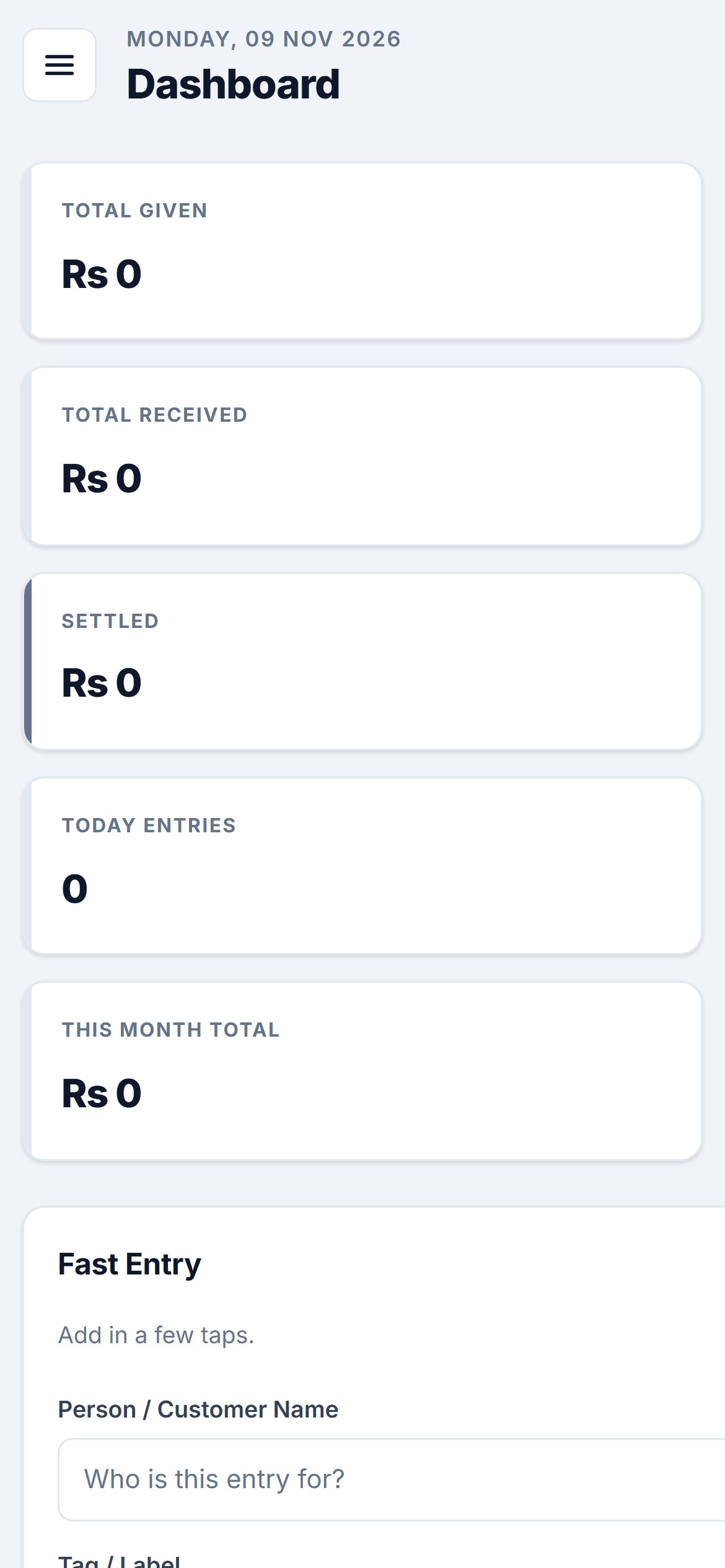
- A dashboard with total given, total received, settled, today’s entries and this month’s total, plus a fast entry form.
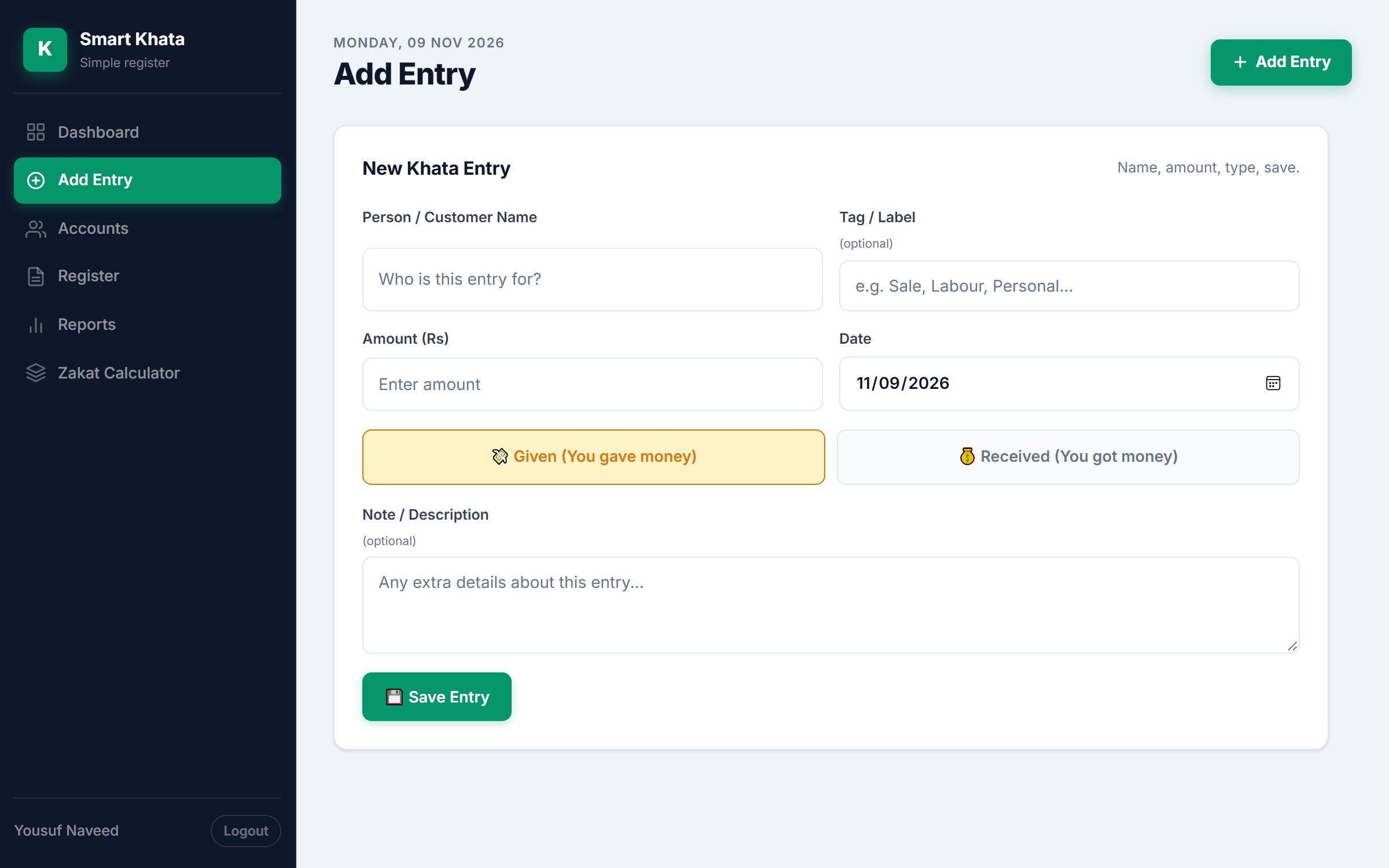
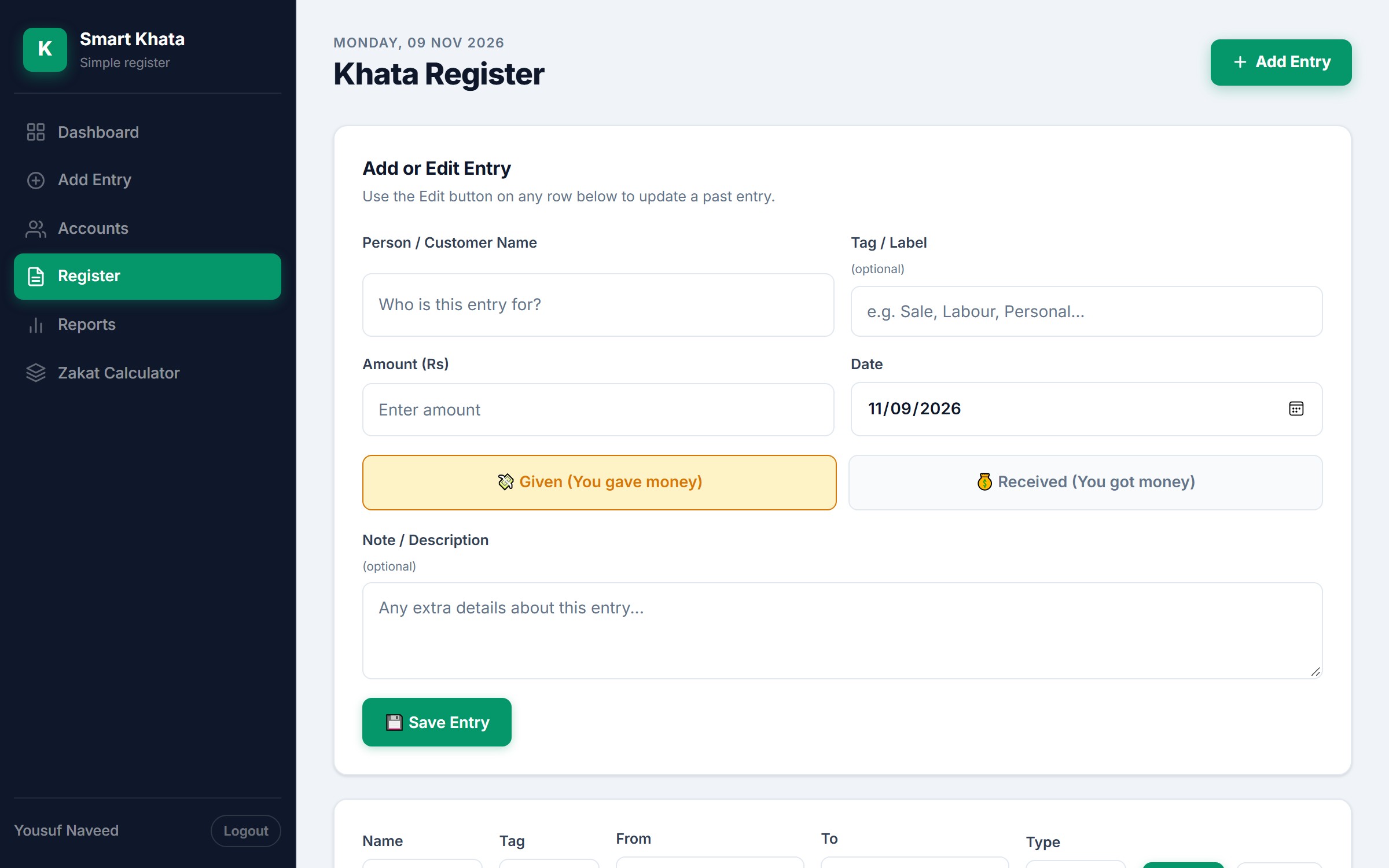
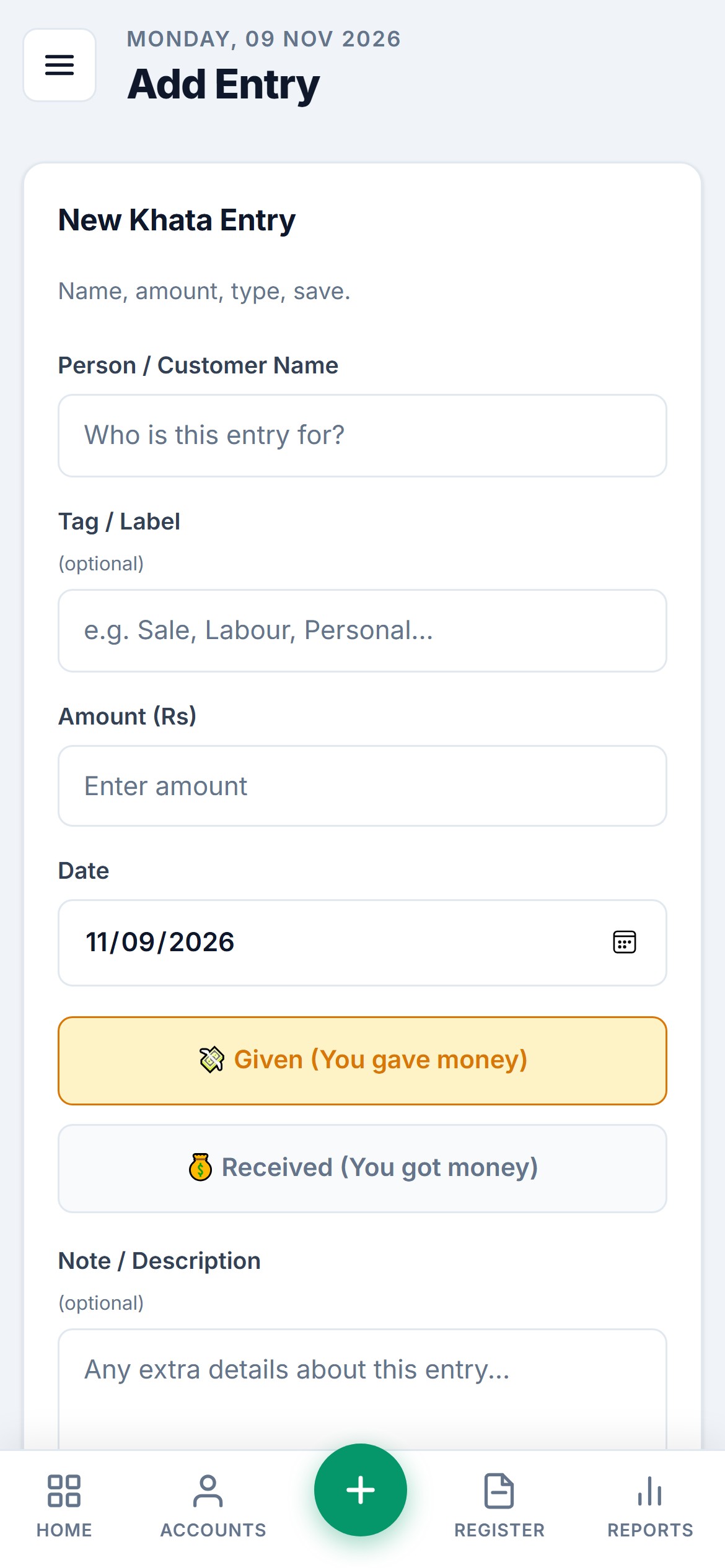
- Add Entry: person or customer name, optional tag, amount, date, Given or Received, and a note.
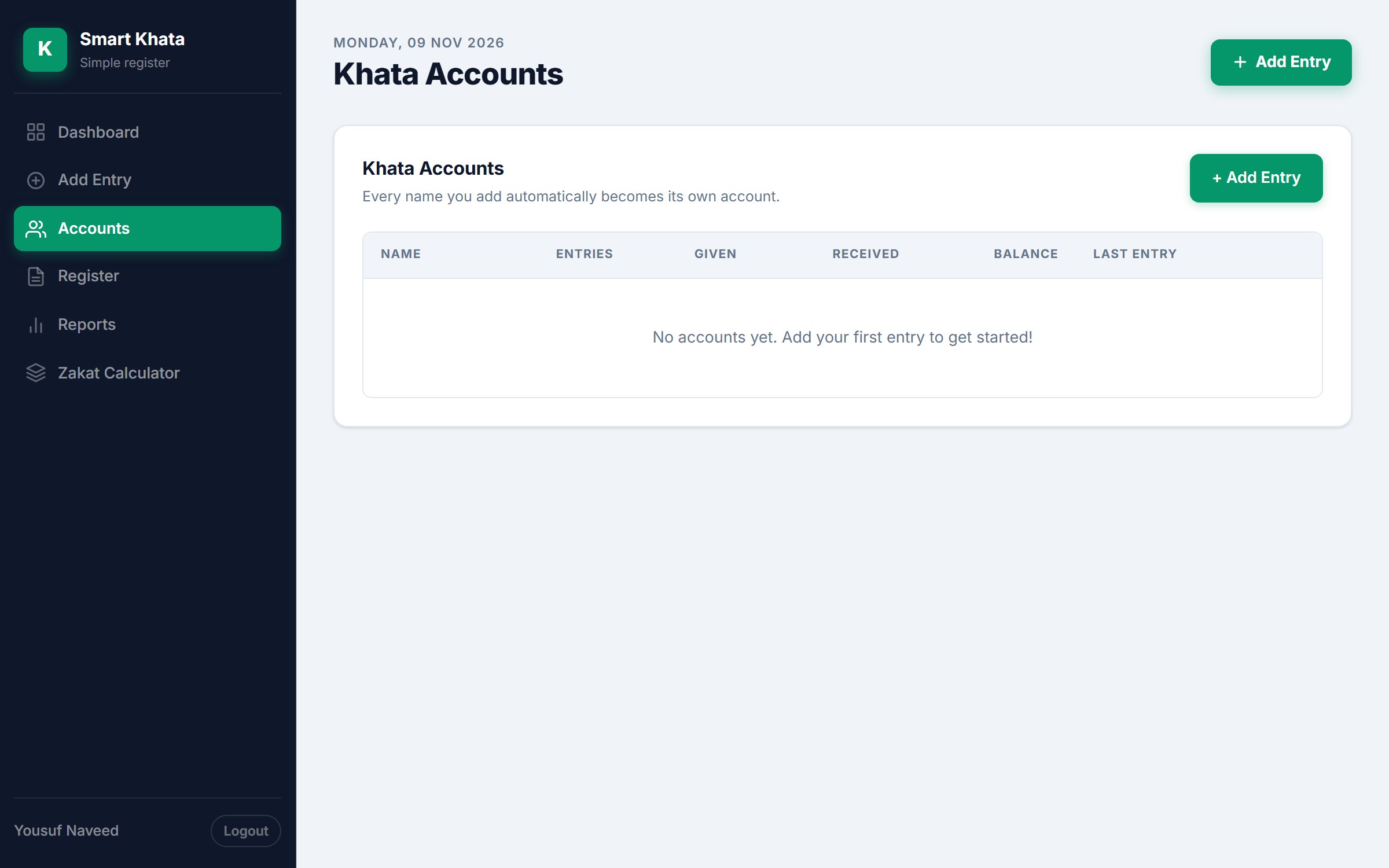
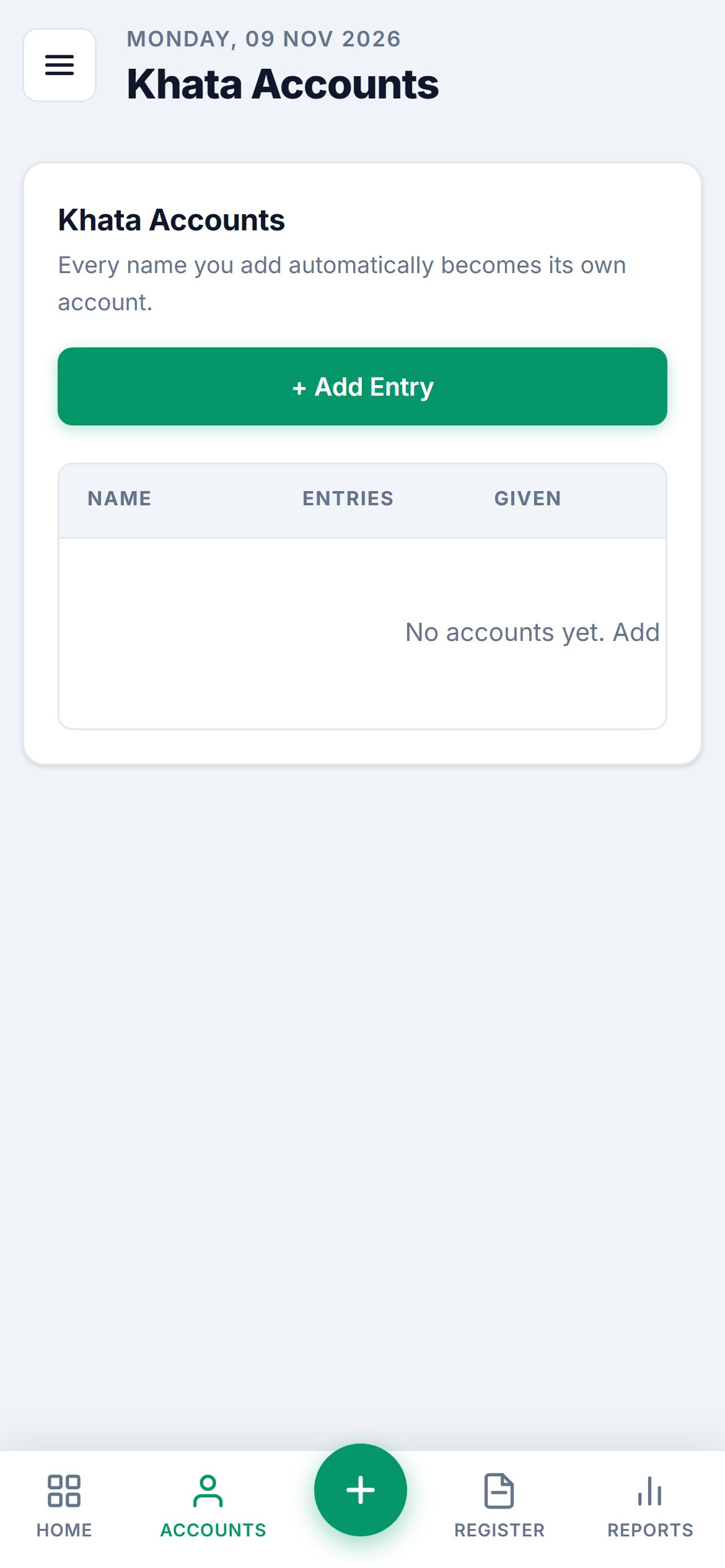
- Accounts: every name becomes an account with its entries, amounts given and received, balance and last entry.
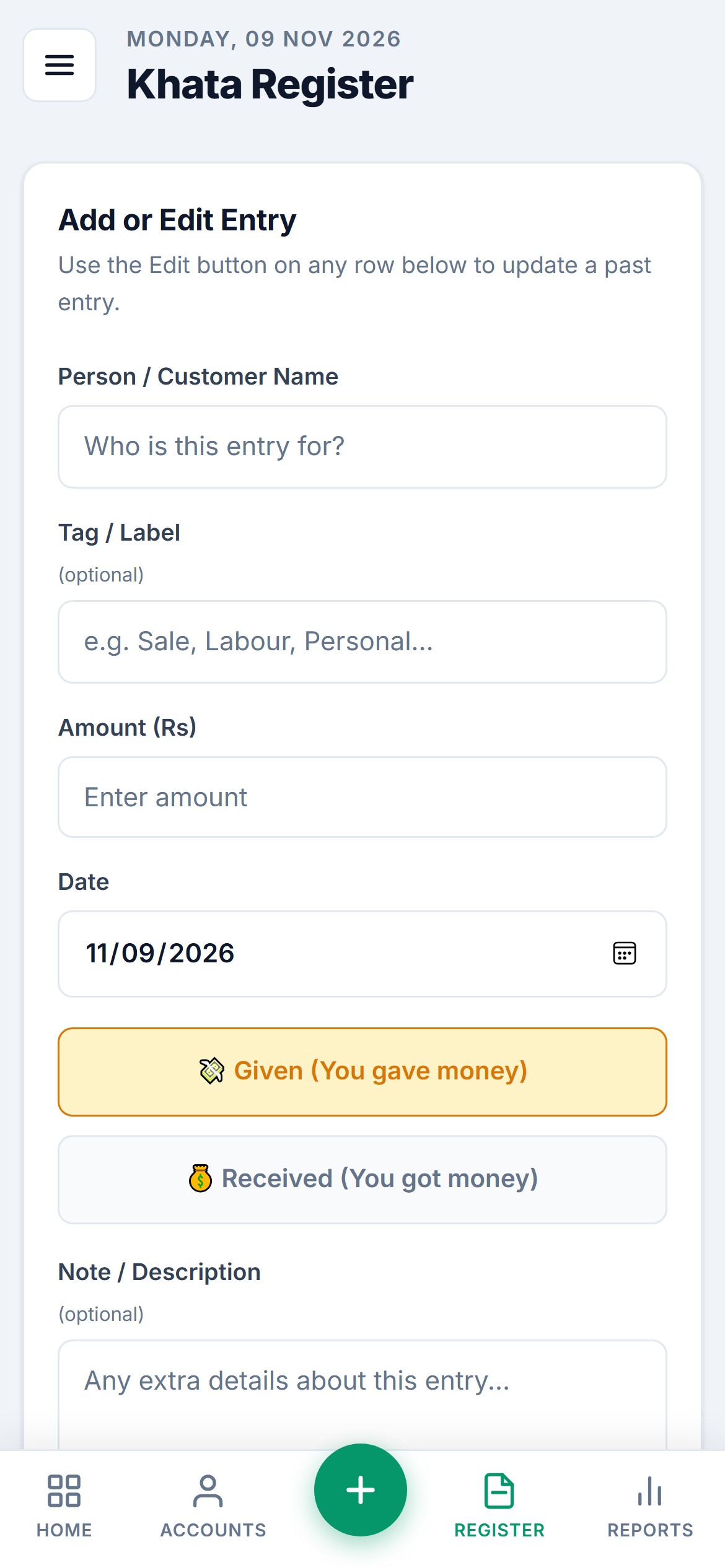
- Register: add or edit an entry, search and filter by name, tag, dates and type, and print.
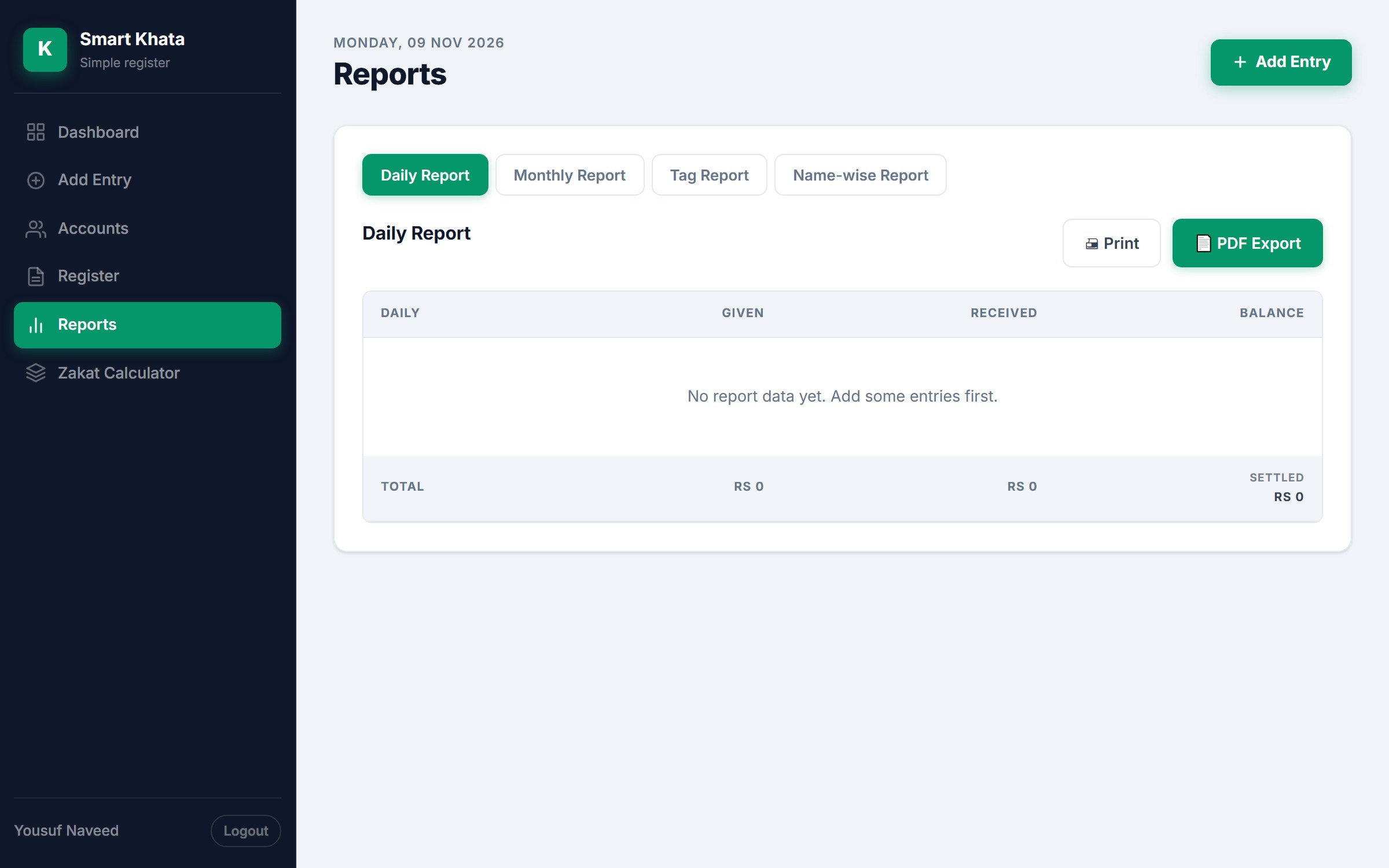
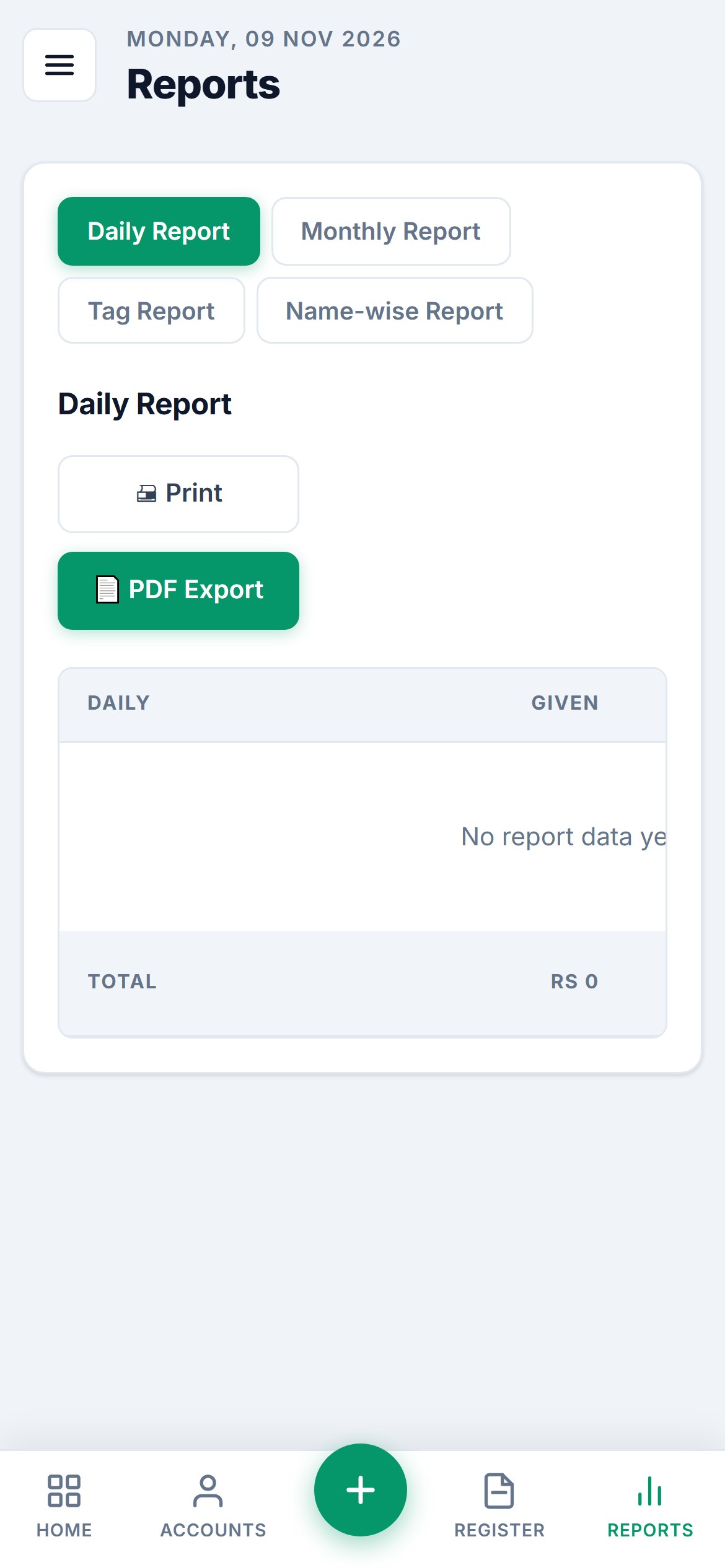
- Reports: daily, monthly, tag and name-wise, with Print and PDF Export.
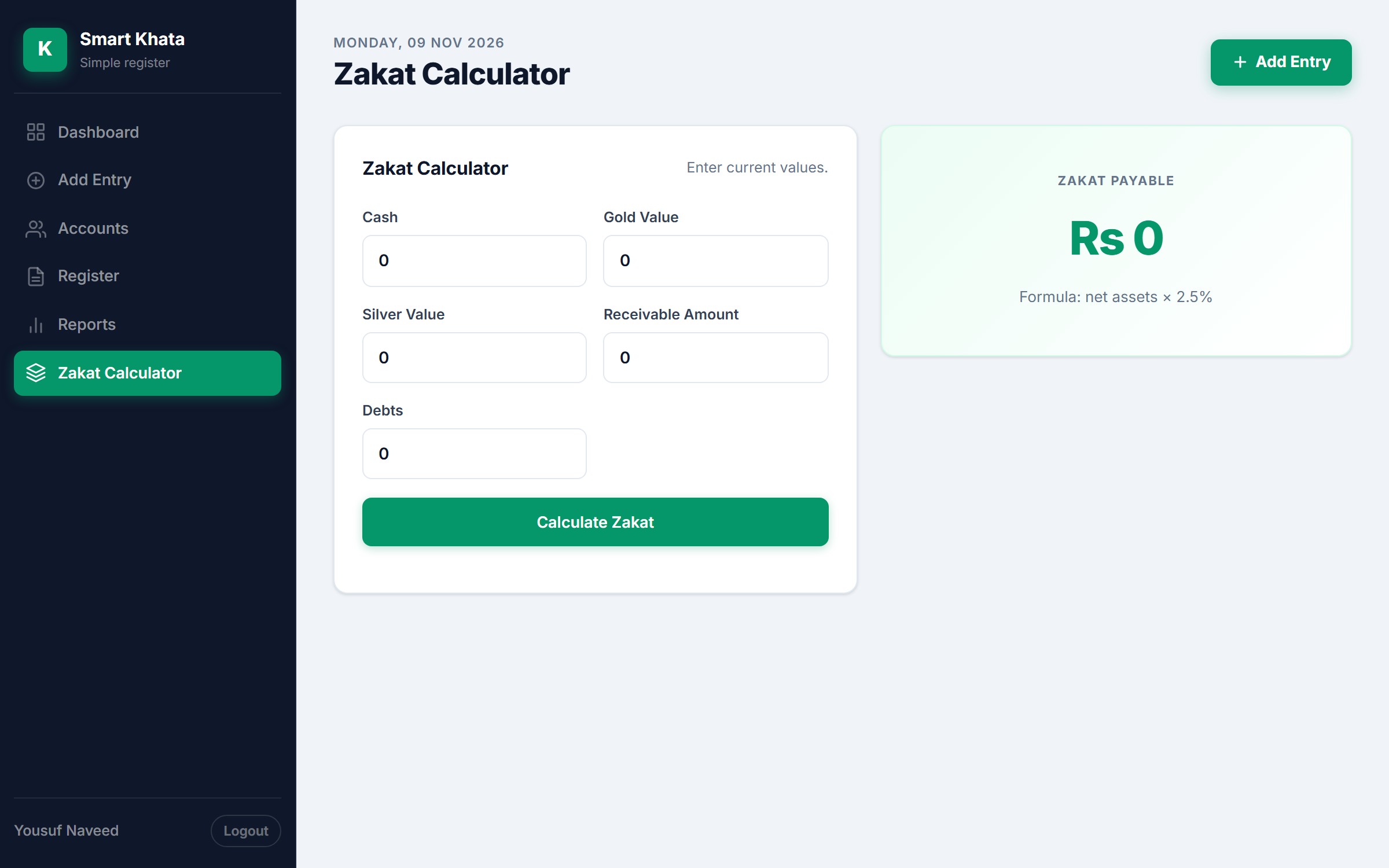
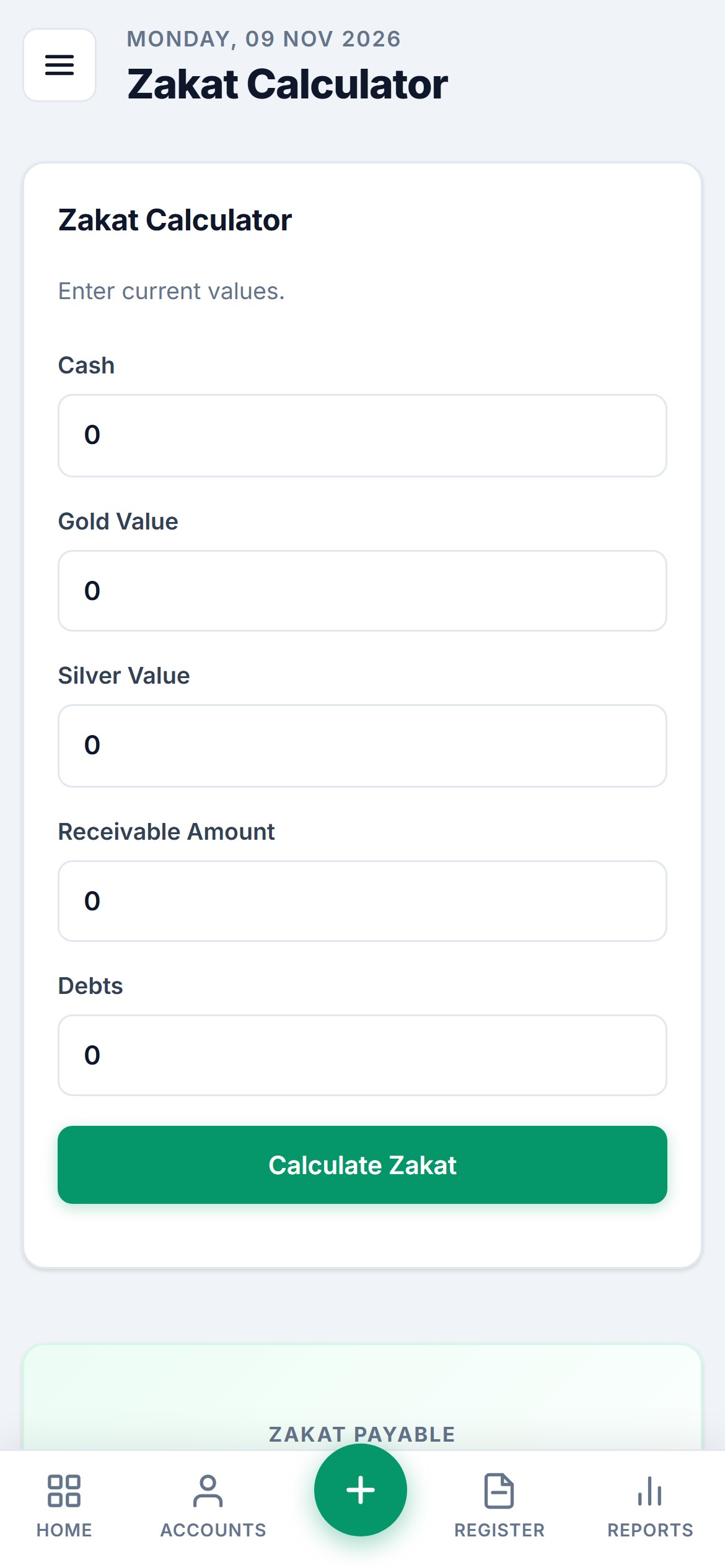
- Zakat Calculator: cash, gold, silver, receivable amount and debts, with the formula “net assets x 2.5%”.
- Built phone-first: on a phone it uses a bottom tab bar (Home, Accounts, a plus button, Register, Reports).
See it in action
Web screens
The same pages on a desktop screen.
Phone screens
The phone-first layout with its bottom tab bar.
Good to know
We say this on the page so that the screens are not read as more than they are.
- The screens come from a live system whose account holds no business data, so the dashboards show zeros and the tables are empty. Nothing was added or saved for these pictures.
- In the videos, a name and an amount are typed into the fast entry form only to show the screen. Nothing was saved.
- It is a web app. It is not an app in a store.
Have a similar project in mind? Talk to the GFT Solutions team about your requirements.