Cloud
Cloud Computing for Business: Benefits, Models and How to Get Started

Updated by Yousuf Naveed Khan
Updated at
12 min read
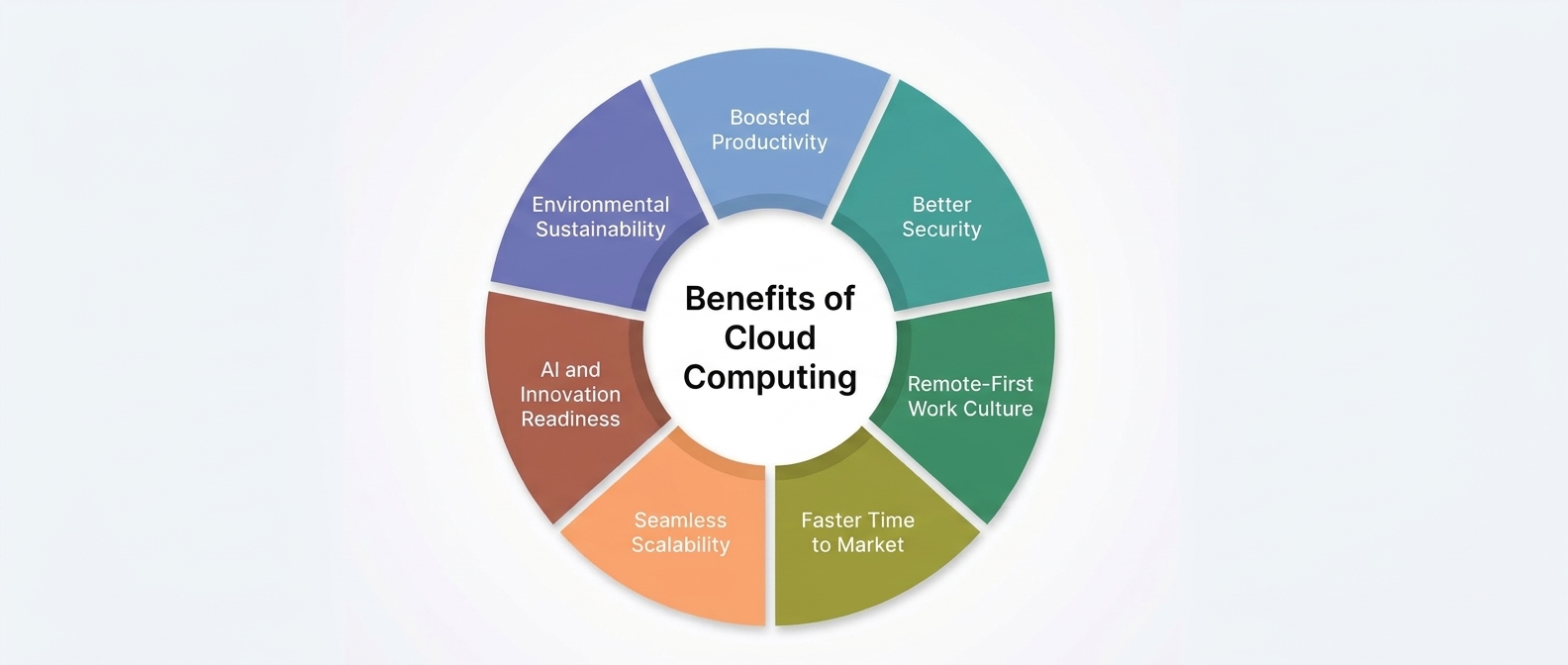
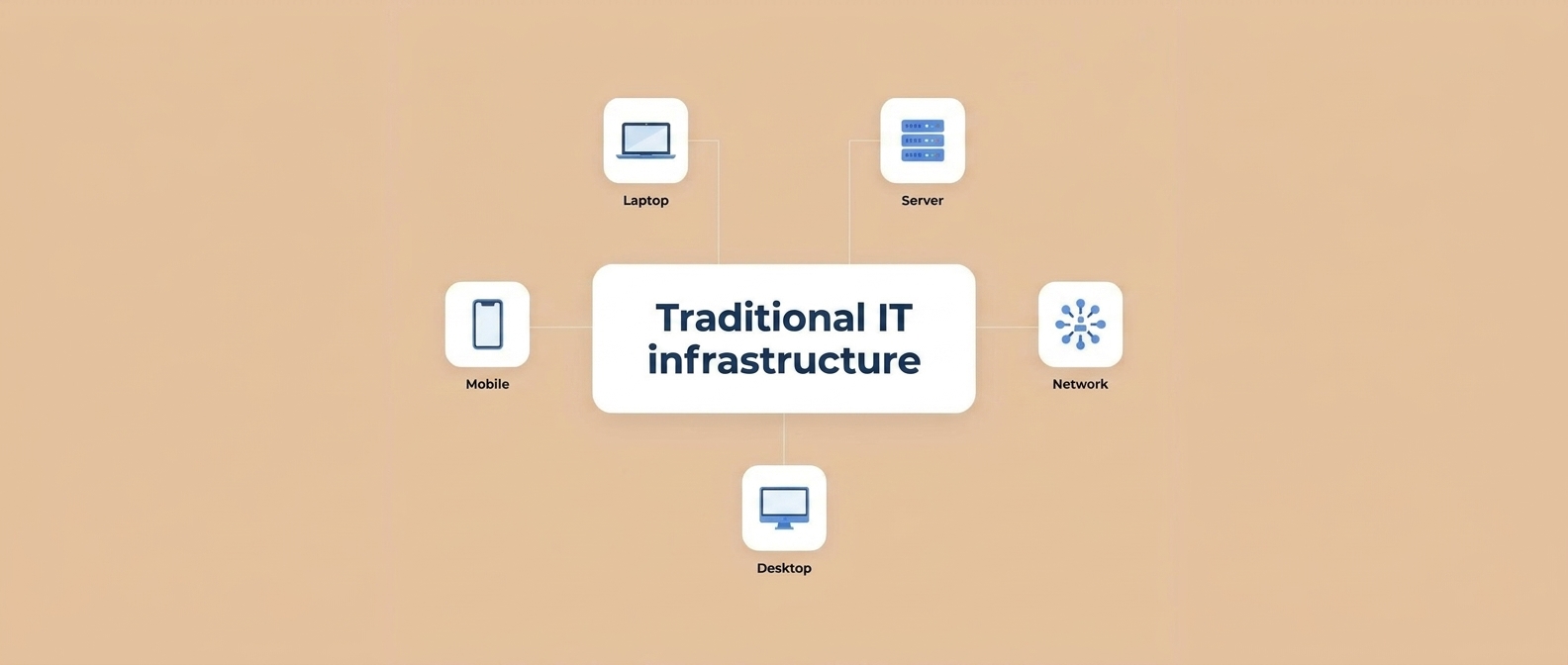
Businesses of every size are rethinking where their technology lives. Instead of buying and maintaining all their own hardware, many now use computing power, storage, and software delivered over the internet. This approach is called cloud computing, and it has become a core part of how modern companies operate.
This guide explains what cloud computing for business means, the main benefits, the different service and deployment models, the challenges to plan for, and the steps to get started.
What Is Cloud Computing?
Cloud computing is the delivery of IT resources, such as servers, storage, databases, networking, and software, over the internet, usually on a pay-as-you-use basis. Instead of owning and running physical equipment, you access resources from a cloud provider and manage them through a web interface or software tools.
A simple comparison: running your own servers is like owning a power generator, while using the cloud is like connecting to the electricity grid. You use what you need and the provider takes care of the underlying infrastructure.
Key Benefits of Cloud Computing for Business
Lower Upfront Costs
The cloud reduces the need to buy expensive hardware upfront. You move from large capital purchases to a more flexible, usage-based model. Total cost still depends on how you use the services, so it is wise to plan and monitor spending.
Scalability and Flexibility
You can increase or decrease resources as your needs change. This is useful for growing businesses, seasonal demand, and new projects that need to launch quickly.
Remote Access and Collaboration
Cloud services can be reached from anywhere with a secure internet connection, which supports remote teams, multiple offices, and mobile staff. Shared documents and applications make collaboration easier.
Reliability and Business Continuity
Major cloud providers offer features such as data replication, backups, and redundant infrastructure that can improve availability and help with recovery planning. Actual reliability depends on how you design and configure your services.
Faster Deployment
New servers, databases, or applications can often be created in minutes rather than weeks, which shortens project timelines and speeds up testing.
Automatic Updates and Reduced Maintenance
For many services, the provider handles hardware maintenance and, in managed or software-based models, much of the software updating. This frees your team to focus on business goals.
Support for Innovation
The cloud makes advanced tools, such as analytics and artificial intelligence services, easier to access without building everything yourself.
Cloud Service Models: IaaS, PaaS and SaaS
Cloud services are commonly grouped by how much the provider manages for you.
Infrastructure as a Service (IaaS)
IaaS gives you virtual servers, storage, and networking. You manage the operating system, applications, and data, while the provider manages the physical hardware.
Best for: businesses that want control over their environment, such as hosting custom applications or building flexible infrastructure.
Platform as a Service (PaaS)
PaaS provides a platform for developing, testing, and running applications. The provider manages the underlying infrastructure and operating system, so developers focus on code and data.
Best for: development teams that want to build and deploy applications without managing servers.
Software as a Service (SaaS)
SaaS delivers ready-to-use applications through a browser or app, such as email, collaboration tools, or customer management software. The provider manages nearly everything.
Best for: businesses that want to use software quickly without installing or maintaining it.
| Model | You manage | Provider manages | Typical use |
|---|---|---|---|
| IaaS | OS, apps, data | Hardware, virtualization | Custom hosting, flexible infrastructure |
| PaaS | Apps, data | Infrastructure, OS, runtime | Application development |
| SaaS | Your usage and settings | Almost everything | Ready-made business software |
Cloud Deployment Models: Public, Private and Hybrid
Public Cloud
Resources are owned and operated by a third-party provider and shared across many customers, with logical separation between them. It is typically flexible and cost-effective to start with.
Private Cloud
Resources are dedicated to a single organization, either hosted on-site or by a provider. It offers more control and customization, which can suit strict compliance or specialized needs, often with higher management effort.
Hybrid Cloud
A hybrid cloud combines public and private environments, or cloud and on-premises systems, allowing workloads and data to be placed where they fit best. For example, sensitive records can stay in a private environment while customer-facing applications run in the public cloud.
Some organizations also use multi-cloud, which means using services from more than one provider to meet different needs or avoid depending on a single vendor.
Common Cloud Challenges to Plan For
- Cost management: Usage-based billing can grow unexpectedly if resources are left running or poorly sized. Track and review spending regularly.
- Security and compliance: Make sure your configuration meets your industry and legal requirements.
- Migration complexity: Moving existing systems takes planning, testing, and sometimes redesign.
- Skills gap: Your team may need training or outside support to manage cloud environments well.
- Vendor lock-in: Heavy reliance on one provider’s special features can make future moves harder. Consider portability early.
- Internet dependence: Cloud services need reliable connectivity, so plan your network accordingly.
How to Get Started with Cloud Computing
Step 1: Define Your Goals
Decide what you want to achieve: reducing hardware costs, supporting remote work, improving availability, or launching new services. Clear goals guide every other decision.
Step 2: Assess Your Current Environment
List your applications, data, servers, and dependencies. Identify which systems are critical, which are outdated, and which are good candidates for the cloud.
Step 3: Choose the Right Models
Decide which service model (IaaS, PaaS, SaaS) and deployment model (public, private, hybrid) fit each workload.
Step 4: Start Small
Begin with a lower-risk workload, such as backups, file storage, a test environment, or a collaboration tool. This helps your team learn before moving critical systems.
Step 5: Plan Security and Access
Set up identity management, multi-factor authentication, encryption, and backup policies from the beginning rather than adding them later.
Step 6: Plan Migration and Testing
Create a migration plan with timelines, rollback options, and testing steps. Move in phases and verify performance and data integrity at each stage.
Step 7: Monitor, Optimize and Train
After migration, monitor performance and cost, remove unused resources, and train your team. Cloud management is an ongoing process.
Is Cloud Computing Right for Your Business?
Cloud computing is a good fit if you need flexibility, remote access, faster deployment, or want to reduce the burden of maintaining hardware. It may need extra planning if you have strict data residency or compliance rules, specialized legacy systems, or limited internet reliability. Many businesses find that a gradual, hybrid approach offers the best balance.
More Cloud Computing Topics to Explore
Cloud Cost Optimization: How to Avoid Surprise Bills
Practical ways to right-size resources, shut down unused services, set budgets and alerts, and review usage regularly.
Understanding the Shared Responsibility Model in Cloud Security
A clear explanation of what the provider secures, what the customer secures, and common mistakes to avoid.
Cloud Backup vs Local Backup: Which Does Your Business Need?
A comparison of speed, cost, recovery time, and risk, and why many businesses use both.
What Is Multi-Cloud, and Is It Worth It?
The advantages and trade-offs of using more than one cloud provider.
Cloud Storage for Business: How to Choose and Organize It
Considerations for access control, file organization, retention, and sharing.
Remote Work Made Easier: Cloud Tools for Distributed Teams
An overview of cloud-based collaboration, file sharing, and secure access tools.
Serverless Computing Explained for Non-Technical Leaders
What serverless means, how it differs from traditional servers, and when it can be useful.
A Cloud Readiness Checklist for Small and Medium Businesses
A short self-assessment covering applications, data, security, skills, and budget.
Frequently Asked Questions
What is cloud computing in simple terms?
It means using computing resources, such as storage, servers, and software, over the internet instead of owning and managing all the hardware yourself.
Is cloud computing safe for business data?
It can be secure when properly configured. Security is a shared responsibility, so strong access control, encryption, backups, and monitoring are important.
What is the difference between IaaS, PaaS and SaaS?
They differ in how much the provider manages. IaaS provides infrastructure, PaaS provides a development platform, and SaaS provides complete ready-to-use software.
Is the cloud suitable for small businesses?
Yes. Small businesses often benefit from low upfront costs, easy scaling, and ready-made tools without needing a large IT team.
How long does it take to move to the cloud?
It depends on the size and complexity of your systems. A small workload can move quickly, while a full migration usually follows a phased plan.
Do I need to move everything to the cloud?
No. Many businesses keep some systems on-premises and use the cloud for others, which is known as a hybrid approach.
Conclusion
Cloud computing gives businesses a flexible, scalable, and often more cost-efficient way to run their technology. By understanding the benefits, choosing the right service and deployment models, planning for security and cost, and starting with a clear, phased approach, you can adopt the cloud with confidence and build a foundation for growth.
How GFT Solutions Can Help
GFT Solutions is a remote-first software house. Our System Architecture service helps businesses design the backend foundation their products run on, including choosing the right cloud infrastructure, structuring databases and APIs, and setting up CI/CD so new code ships safely and automatically.
Explore our System Architecture serviceThinking about moving to the cloud, or improving your current setup? Contact GFT Solutions to discuss a cloud approach that fits your business.
Explore Our Cloud Solutions