Servers
Server Management Best Practices: Keep Your Servers Secure, Fast, and Available

Updated by Yousuf Naveed Khan
Updated at
10 min read
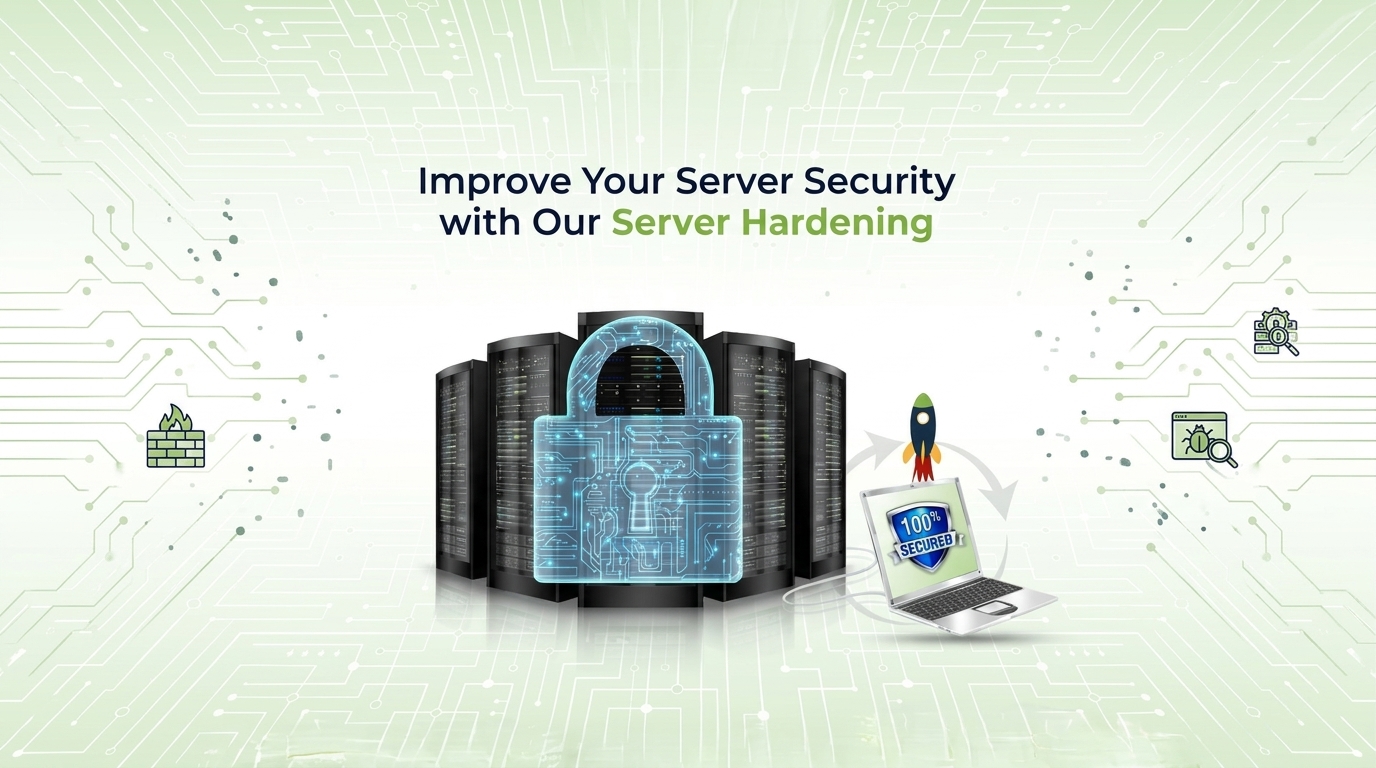
Servers sit at the center of modern business. They host your applications, store your data, run your websites, and connect your teams. When they work well, nobody notices. When they fail, everything stops: customers cannot reach your services, employees cannot work, and data may be at risk.
That is why server management deserves a clear, consistent approach. This guide covers the server management best practices that help businesses keep their servers secure, fast, and available, whether the servers are physical, virtual, or in the cloud.
Why Server Management Is Important
Server management is the ongoing work of monitoring, securing, updating, backing up, and maintaining your servers so they perform reliably. It is not a one-time setup. It is a routine that keeps your infrastructure healthy.
Good server management matters because it helps you:
- Reduce downtime. Problems are found and fixed before users notice them.
- Protect your data. Strong security and backups limit the damage of attacks and failures.
- Maintain performance. Well-tuned servers keep applications fast as demand grows.
- Control costs. Planned maintenance is usually cheaper than emergency repairs.
- Support growth. Reliable servers give your business a stable base to expand on.
Without a structured approach, small issues such as a full disk, a missed update, or an overheating component can grow into serious outages.
Regular Server Monitoring and Performance Optimization
You cannot manage what you cannot see. Server monitoring gives you continuous visibility into how your servers are behaving, so you can act early.
What to Monitor
- CPU usage: Sustained high usage can signal overload or a runaway process.
- Memory (RAM): Low available memory slows applications and can cause crashes.
- Disk space and disk health: Full or failing disks are a common cause of outages.
- Network traffic and latency: Unusual spikes or delays can point to bottlenecks or attacks.
- Application and service status: Confirm that key services are running and responding.
- Logs and error rates: Logs often show problems before they become visible failures.
Set Alerts and Baselines
Record what normal looks like for each server, then set alerts for values that move outside that range. Alerts should be meaningful. Too many false alarms lead teams to ignore them.
Optimize Performance
Monitoring data tells you where to improve. Practical steps include:
- Removing unused services and applications that consume resources
- Tuning databases and clearing slow queries
- Balancing workloads across multiple servers
- Using caching to reduce repeated processing
- Adding resources or scaling out when usage trends show you will need them
Review performance trends regularly, not only when something goes wrong.
Server Security and Access Control
Servers hold valuable data, which makes them a frequent target. Server security works best in layers, so no single weakness exposes everything.
Control Who Has Access
- Give each person the minimum access they need to do their job.
- Use multi-factor authentication (MFA) for administrative access.
- Remove accounts immediately when someone leaves the company or changes roles.
- Avoid shared admin accounts so every action can be traced to a person.
- Review permissions on a regular schedule.
Harden the Server
- Disable services, ports, and software you do not use.
- Change default settings and default passwords.
- Use firewalls to limit which traffic can reach each server.
- Use encrypted connections for remote administration and data transfer.
- Follow a standard secure configuration for every new server.
Detect Threats Early
- Keep security logs and review unusual login attempts.
- Use intrusion detection or endpoint protection suited to your environment.
- Run vulnerability scans regularly and fix findings by priority.
Security is a process, not a product. Regular reviews matter as much as the tools you install.
Regular Updates and Patch Management
Software vendors release updates to fix bugs and close security vulnerabilities. Servers that miss them become easier targets. Patch management is the practice of applying those updates in a controlled, regular way.
A Practical Patch Management Process
- Keep an inventory. Know which servers, operating systems, and applications you run.
- Track updates. Follow vendor security notices for the software you use.
- Prioritize. Apply critical security patches first.
- Test before deploying. Try updates in a test environment when possible to avoid surprises.
- Schedule maintenance windows. Apply updates at times that limit impact on users.
- Verify and document. Confirm that updates worked and record what changed.
- Plan a rollback. Know how to reverse an update if it causes problems.
Remember that patching applies to more than the operating system. Databases, web servers, firmware, and third-party applications need attention too.
Data Backup and Disaster Recovery
Every server can fail, and every business can face accidental deletion, hardware failure, or a cyber incident. Backup and disaster recovery determine how quickly you recover and how much you lose.
Backup Best Practices
- Follow the 3-2-1 approach: keep three copies of your data, on two different types of storage, with one copy stored off-site.
- Automate backups so they do not depend on someone remembering.
- Protect your backups with encryption and restricted access.
- Test restores regularly. A backup you have never restored is only an assumption.
Disaster Recovery Planning
A disaster recovery plan describes what to do when something major goes wrong. It should define:
- Recovery Time Objective (RTO): how long you can afford to be down.
- Recovery Point Objective (RPO): how much data loss, measured in time, you can accept.
- Roles and responsibilities: who does what during an incident.
- Recovery steps: the order in which systems should be restored.
- Communication plan: how you will inform staff, customers, and partners.
Review and rehearse the plan at least once a year, and update it whenever your infrastructure changes.
Server Maintenance and Hardware Health
Even in a cloud-heavy world, hardware health matters. Physical servers, and the hardware behind many hosted services, need care.
Routine Maintenance Tasks
- Monitor temperature, fans, and power supplies.
- Keep server rooms clean, cool, and properly ventilated.
- Use uninterruptible power supplies (UPS) to protect against power problems.
- Check disk health indicators and replace drives showing warning signs.
- Update firmware as recommended by the manufacturer.
- Label equipment and keep cabling organized.
Plan the Hardware Lifecycle
Hardware does not last forever. Track the age and warranty status of each server, and plan replacements before equipment becomes unreliable or unsupported. Replacing aging hardware on your own schedule is far less disruptive than replacing it after a failure.
Ensuring High Availability and Minimizing Downtime
High availability means designing your systems so that services stay online even when a component fails. Perfect uptime is not realistic, but careful design can reduce server downtime significantly.
Key Techniques
- Redundancy: Duplicate critical components such as power supplies, network connections, and servers, so a single failure does not stop the service.
- Load balancing: Distribute traffic across multiple servers to avoid overload and to keep services running if one server fails.
- Failover: Automatically switch to a standby system when the primary one becomes unavailable.
- Clustering and virtualization: Group servers or move virtual machines between hosts to keep workloads running during maintenance.
- Geographic distribution: Spread systems across locations for resilience against site-wide problems.
Prepare for Incidents
- Document clear procedures for common failures.
- Define escalation paths so the right people respond quickly.
- Review every incident afterward and fix the root cause, not only the symptom.
Best Practices for Reliable Server Management
Here is a summary checklist you can use as a starting point:
- Inventory everything. Know every server, its purpose, owner, and status.
- Monitor continuously and set meaningful alerts.
- Apply least-privilege access and require MFA for administrators.
- Patch on a schedule, with testing and rollback plans.
- Automate backups and test restores regularly.
- Maintain hardware and plan its replacement lifecycle.
- Design for availability with redundancy and failover where it matters most.
- Document your setup and procedures so knowledge is not locked in one person’s head.
- Review regularly. Revisit performance, security, and capacity at least once a year.
- Know when to get help. If your team is stretched, an experienced IT partner can fill the gaps.
Quick Server Management Tips
- Test your backups, not just create them.
- Remove accounts of former staff immediately.
- Apply critical security patches without delay.
- Set alerts for low disk space before it becomes an outage.
- Keep a current inventory of every server you run.
More Server Management Topics to Explore
Common Server Misconfigurations That Put Businesses at Risk
A look at everyday setup mistakes, such as open ports, default credentials, and overly broad permissions, and how a simple configuration review can prevent them.
How to Read Server Logs: A Beginner’s Guide for IT Teams
An introduction to what server logs contain, which entries matter most, and how to spot early warning signs of problems or suspicious activity.
Linux vs Windows Server: Choosing the Right Operating System for Your Business
A practical comparison covering management tools, licensing approach, application compatibility, and team skills.
Virtualization Explained: Getting More Value from Your Servers
How virtual machines work, why businesses use them, and when virtualization makes sense for consolidating workloads.
What Is a Server Health Check, and When Does Your Business Need One?
An overview of what a health check reviews, including performance, security, backups, and capacity, and the signs that it is time to schedule one.
Ransomware and Servers: Steps to Reduce Your Exposure
General guidance on access control, segmented networks, immutable or offline backups, and response planning.
Server Capacity Planning: Preparing for Growth Before Problems Appear
How to use usage trends to forecast needs for CPU, memory, storage, and network capacity.
Managed Server Support vs In-House IT: Which Model Fits Your Team?
A balanced look at cost, expertise, response time, and control for each approach.
Frequently Asked Questions
What is server management?
Server management is the process of monitoring, securing, updating, backing up, and maintaining servers so they remain reliable and perform well.
How often should servers be updated?
Critical security patches should be applied as soon as they are tested and approved. Other updates can follow a regular schedule, such as monthly, based on your risk and operations.
What is the difference between backup and disaster recovery?
A backup is a copy of your data. Disaster recovery is the complete plan and process for restoring systems and operations after a serious failure.
How can I reduce server downtime?
Use continuous monitoring, apply updates in a planned way, build redundancy for critical services, and keep tested backups and recovery procedures.
Should small businesses use managed server services?
Many do, especially when they lack in-house expertise or time. Managed services can provide monitoring, maintenance, and support without needing a full internal team.
Conclusion
Reliable servers do not happen by accident. They result from steady habits: monitoring performance, controlling access, patching on time, backing up and testing recovery, maintaining hardware, and designing for availability. Following these server management best practices helps protect your data, support your team, and give your customers a dependable experience.
If managing all of this feels like too much to handle alongside running your business, you do not have to do it alone.
How GFT Solutions Can Help
GFT Solutions is a remote-first software house. Our System Architecture service covers cloud infrastructure, scalable backends, and DevOps & CI/CD, and we review and fix architecture on existing systems that have started to slow down or become hard to maintain.
Explore our System Architecture serviceReady to make your servers more secure, faster, and more reliable? Contact GFT Solutions to discuss your IT infrastructure needs.
Talk to Our IT Experts