IT Solutions
IT Infrastructure Solutions: Planning, Scaling and Supporting Your Technology

Updated by Yousuf Naveed Khan
Updated at
14 min read
Technology rarely fails all at once. More often, it slowly falls behind: a network that was fine for ten people struggles with fifty, a server runs past its support date, or a quick fix from two years ago becomes something nobody dares to touch. By the time the problem is visible, it is usually urgent and expensive.
Good IT infrastructure solutions prevent this by treating technology as something to plan, grow, and look after, not something to buy once and forget. This guide walks through the three stages that matter most: planning your infrastructure, scaling it as your business grows, and supporting it so it stays reliable.
What Are IT Infrastructure Solutions?
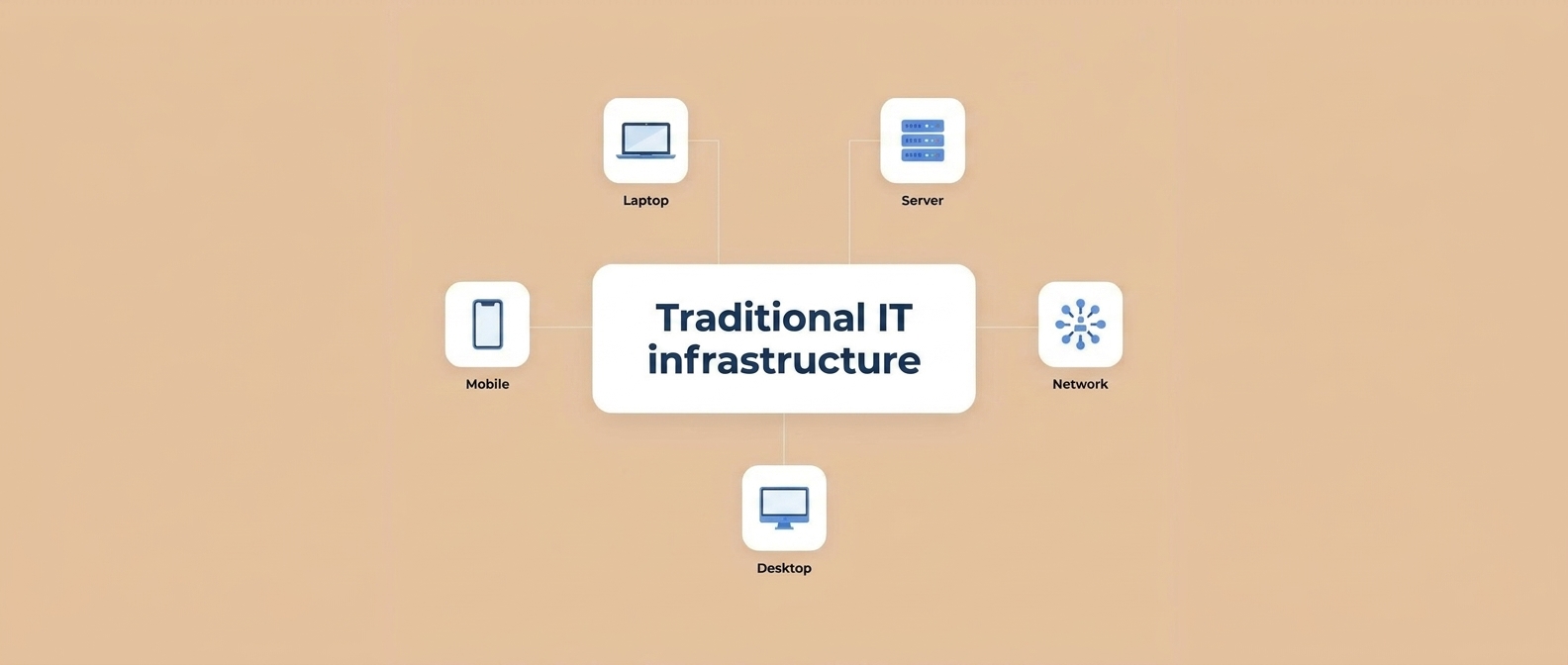
IT infrastructure solutions are the services, design work, and technologies that build and maintain the foundation your business runs on. They typically cover:
- Networking: connectivity inside and between offices, Wi-Fi, and secure remote access
- Servers and compute: physical, virtual, or cloud-based systems that run applications
- Storage and backup: where data lives and how it is protected
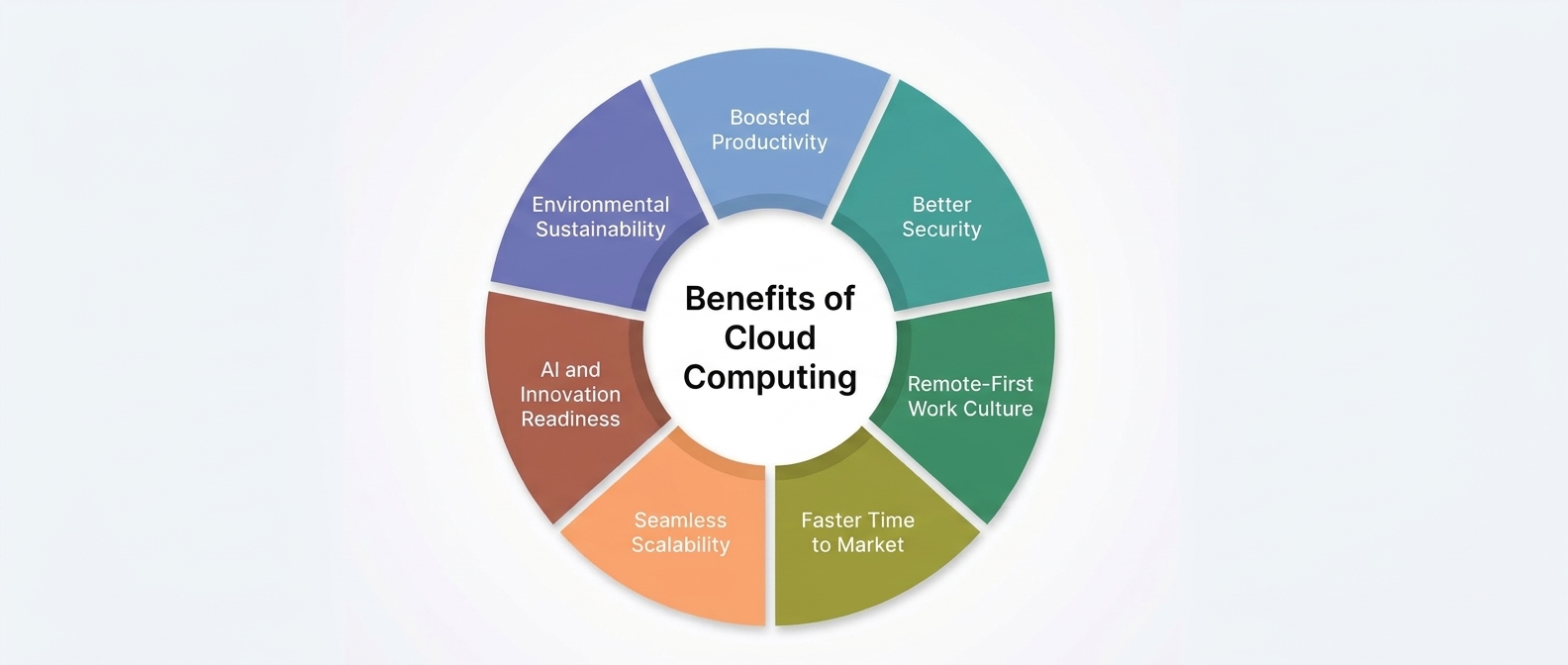
- Cloud services: flexible resources delivered over the internet
- Security: protection for systems, data, and users
- End-user technology: laptops, desktops, and the software staff use daily
- Support and monitoring: the people and processes that keep everything healthy
A good solution does not simply add equipment. It connects these pieces into a system that fits your goals, budget, and team.
Stage 1: Planning Your IT Infrastructure
Planning is where most of the value is created. Decisions made here shape cost, performance, and security for years.
Start with Business Goals, Not Hardware
Before choosing any technology, ask:
- What does the business need to achieve in the next one to three years?
- Are you adding staff, locations, or new services?
- Which systems are critical, and what happens if they go down?
- What are your security, privacy, and compliance obligations?
Technology should follow these answers, not the other way around.
Assess What You Already Have
Create an inventory of your hardware, software, network, cloud services, and licenses. For each item, note its age, condition, owner, and support status. This audit often reveals unused subscriptions, unsupported equipment, and single points of failure.
Identify Gaps and Risks
Compare the current state with your goals. Look for:
- Outdated or unsupported systems
- Weak security controls
- Capacity limits in the network, servers, or storage
- Missing backups or untested recovery plans
- Processes that depend on one person’s knowledge
Choose the Right Architecture
Decide where each workload should live: on-premises, in the cloud, or a mix of both. Consider performance needs, data sensitivity, internet reliability, and your team’s skills. Our guide on Cloud vs On-Premises Infrastructure can help with this decision.
Build a Roadmap and Budget
Turn your findings into a phased plan with priorities, timelines, and cost estimates. Fix security and reliability gaps first, then improvements that support growth. A roadmap also helps you spread costs and explain decisions to management.
Plan for Security and Recovery from Day One
Security and backup are far cheaper to design in than to add later. Include access control, multi-factor authentication, regular patching, backups, and a disaster recovery plan in the initial design.
Document Everything
Network diagrams, system lists, passwords managed in a secure vault, and recovery procedures should be written down. Good documentation makes support faster and protects the business when staff change.
Stage 2: Scaling Your IT Infrastructure
Growth is good news, but only if your systems can keep up. Scaling does not simply mean buying more. It means growing in a controlled, efficient way.
Understand Your Growth Drivers
Common triggers include new employees, new offices, remote work, higher customer traffic, more data, and new applications. Identify which of these apply to you and estimate how they will affect your systems.
Use Capacity Planning
Monitor trends in CPU, memory, storage, bandwidth, and user numbers. If storage grows steadily each month, you can forecast when you will need more and plan ahead instead of reacting to a full disk.
Build for Flexibility
Several approaches make growth easier:
- Cloud services let you add or reduce resources as demand changes.
- Virtualization runs multiple systems on shared hardware, improving utilization.
- Modular network design makes it simple to add devices, sites, or users.
- Standardized configurations make new systems faster to deploy and easier to support.
Automate Repetitive Work
Automating tasks such as backups, updates, user setup, and monitoring alerts reduces errors and frees your team for higher-value work.
Scale Security with the Business
Every new user, device, and location is a new potential entry point. Extend access controls, device management, and monitoring as you grow, rather than leaving security behind.
Avoid Common Scaling Mistakes
- Buying only for today’s needs
- Ignoring network capacity until it becomes a bottleneck
- Adding tools without a plan, leading to complexity and wasted licenses
- Skipping testing before major changes
- Forgetting to update documentation
For a deeper look at scaling, see our article on How to Build a Scalable IT Infrastructure.
Stage 3: Supporting Your IT Infrastructure
Even a well-designed system needs steady care. Support is what turns good design into reliable day-to-day performance.
Proactive Monitoring
Monitoring tools track the health of servers, networks, applications, and security events, and raise alerts when something moves outside normal ranges. Catching a failing disk or an overloaded link early is far better than learning about it from unhappy users.
A Responsive Help Desk
Staff need a clear way to report issues and get timely answers. A well-run help desk logs requests, prioritizes by business impact, and tracks problems so recurring issues get fixed at the root.
Patch and Update Management
Regular updates close security gaps and fix bugs. A good process inventories systems, tests updates, applies critical patches promptly, and has a rollback plan.
Backup and Disaster Recovery
Backups should be automated, protected, stored in more than one location, and tested regularly. A disaster recovery plan should define how quickly systems must return and how much data loss is acceptable.
Preventive Maintenance and Lifecycle Management
Track warranties and end-of-support dates, check hardware health, and replace equipment on a schedule rather than waiting for failure. Planned replacements are cheaper and less disruptive than emergencies.
Regular Reviews
Set a routine, such as quarterly or yearly, to review performance, security, costs, and upcoming needs. Technology and business priorities change, and your infrastructure plan should change with them.
In-House IT, Managed Services, or a Mix?
Businesses support their infrastructure in different ways. Each has strengths:
| Approach | Strengths | Things to consider |
|---|---|---|
| In-house team | Close to the business, immediate availability | Cost of hiring, coverage for holidays and absences, breadth of skills |
| Managed IT services | Access to broad expertise, monitoring and support included | Choose a provider with clear communication and service commitments |
| Hybrid (co-managed) | Internal team handles day-to-day, partner provides specialist help | Needs clear division of responsibilities |
There is no single right answer. The best choice depends on your size, budget, in-house skills, and how critical your systems are.
How to Choose an IT Infrastructure Partner
If you decide to work with an external provider, look for:
- Relevant experience with businesses of your size and type
- A planning-first approach, not just selling equipment or licenses
- Clear service commitments, including response times and what is covered
- Strong security practices and transparent reporting
- Good communication, in plain language rather than jargon
- Flexibility to scale services as you grow
- References or case studies you can verify
Ask how they handle onboarding, documentation, and incidents. The answers show how organized they really are.
An Infrastructure Health Checklist
Use this list to review your own setup:
- Inventory of all hardware, software, and licenses is current
- No critical systems are running on unsupported software
- Security updates are applied on a regular schedule
- Multi-factor authentication is enabled for key accounts
- Backups run automatically and restores have been tested
- Network and server capacity are monitored
- A growth roadmap and budget exist for the next one to three years
- Documentation and network diagrams are up to date
- There is a clear process for reporting and resolving IT issues
- An incident and disaster recovery plan has been written and reviewed
If several of these are missing, that is a useful starting point for your roadmap.
More IT Infrastructure Topics to Explore
How to Create an IT Roadmap for a Growing Business
A step-by-step approach to setting priorities, timelines, and budgets for technology investments.
IT Asset Management: Why Knowing What You Own Saves Money
How inventories reduce waste, improve security, and simplify renewals and audits.
What Is a Service Level Agreement (SLA) in IT Support?
A plain-language explanation of response times, uptime commitments, and what to look for in an agreement.
Help Desk Best Practices: Turning Support Requests into Fewer Problems
How ticketing, prioritization, and root-cause analysis improve both user experience and reliability.
Network Capacity Planning: Is Your Bandwidth Ready for Growth?
Signs of network strain and how to forecast bandwidth needs.
The Hidden Costs of Unplanned IT Downtime
Categories of cost to consider, from lost productivity to recovery effort and customer impact.
IT Lifecycle Management: When to Repair, Replace, or Retire Equipment
A practical framework for deciding based on age, support status, performance, and risk.
Setting Up IT for a New Office: A Practical Checklist
Networking, security, devices, and documentation to consider before opening day.
Frequently Asked Questions
What are IT infrastructure solutions?
They are the services and technologies used to design, build, scale, secure, and support the systems a business depends on, including networks, servers, storage, cloud, and security.
How often should a business review its IT infrastructure?
At least once a year, and whenever there is a major change such as new offices, a large increase in staff, or new critical applications.
What is the first step in planning IT infrastructure?
Define your business goals and audit your current environment. Without a clear picture of where you are and where you are going, it is hard to choose the right solutions.
Is cloud always the best way to scale?
Cloud is often the easiest option for flexibility, but the best approach depends on your workloads, compliance needs, and budget. Many businesses use a hybrid mix.
What does managed IT support include?
It varies by provider, but commonly includes monitoring, help desk support, patch management, backup management, and security services. Always confirm what is covered in writing.
How can I reduce unexpected IT costs?
Plan upgrades ahead of time, maintain systems proactively, monitor usage trends, remove unused services, and avoid emergency replacements through lifecycle planning.
Conclusion
Strong IT infrastructure does not happen by accident. It comes from planning with business goals in mind, scaling in a controlled and flexible way, and supporting systems with monitoring, maintenance, and clear processes. When these three stages work together, technology stops being a source of surprises and becomes a reliable foundation for growth.
Whether you are building from scratch or improving what you have, a clear roadmap and the right support make every decision easier.
How GFT Solutions Can Help
GFT Solutions is a remote-first software house. Our System Architecture service covers cloud infrastructure, scalable backends, and DevOps & CI/CD, and we review and fix architecture on existing systems that have started to slow down or become hard to maintain.
Explore our System Architecture serviceReady to plan, scale, or support your technology with confidence? Contact GFT Solutions to discuss your IT infrastructure needs.
Talk to Our IT Infrastructure Team